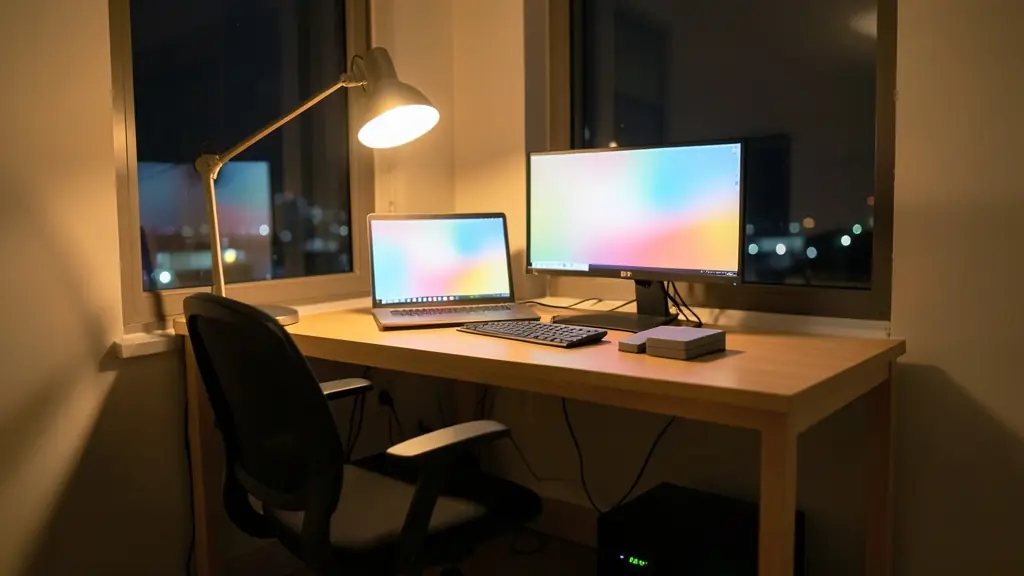
Filming a wedding takes a day. Editing it takes a week, and the computer decides whether that week is smooth or full of beach balls and crashes. A laptop for video editing has to decode heavy camera files, play them back without stutter, and export without cooking itself. This page goes through the parts that matter for 4K, in the order they matter, plus the storage, screen and power around the machine that people forget until a drive fails or the lights go out.
The parts, in order of importance
- Hardware decoding for your camera's codec. 10 bit footage plays smoothly on a machine that decodes it in hardware and crawls on one that does not, however fast the specs look. Check your codec against the chip before you buy.
- Graphics card: effects, noise reduction and colour work lean on it.
- Memory: as a rule of thumb, 16 GB for light 1080p work, 32 GB for comfortable 4K, more for long timelines and heavy grading.
- Processor: more cores help exports.
- Fast internal storage: an NVMe drive for the system and the current project.
Storage and backups
One hour of 4K at about 100 to 150 Mbps comes to something like 45 to 70 GB for each camera, so a two camera wedding can pass 500 GB with drone and audio. Keep the working project on a fast external SSD, and keep a second copy on a separate drive before any card is wiped. Two places, always. The footage storage calculator sizes the drives for your shoots.
Laptop or desktop, heat and the screen
A laptop edits at the venue and on a train, but thin ones slow down when they get hot, and a Durban summer afternoon with no aircon finds that out fast. A desktop costs less for the same power, runs cooler and quieter, and takes extra drives inside. Whichever you pick, grade on a colour accurate monitor that covers the Rec. 709 range and is calibrated, or your skin tones will look different on every client's phone.
Proxies and power
An older machine can still cut 4K if you edit with proxies: small copies that the editing program swaps for the originals at export. It costs an hour of transcoding and saves a week of stutter. Then plan for load shedding. A laptop has its own battery, but the monitor and drives do not, so put a UPS under the desk with enough runtime to save and shut down cleanly. The battery runtime calculator helps size it.
What to put in your request
- Name the codec and resolution you edit
- Say laptop or desktop, and your budget
- Mention the editing program in general terms
- Ask for drives and a UPS in the same quote
- Say if you grade colour for clients
Video Editing Computers: who asks for them and why
- Couples and their families: a wedding videographer's machine cutting a highlight film while the next weekend books
- Families: matric dances, 21sts, memorials: a parent editing years of holiday clips into one film for a 50th birthday
- Companies, SMEs and agencies: an in house marketing team editing product videos without sending files out
- Event organisers, venues and conference planners: a laptop at the back of the conference hall cutting same day highlights
- YouTubers, podcasters and content creators: a weekly video channel's desktop handling weekly long videos and short cuts
- Musicians, bands, DJs and choirs: grading a music video on a calibrated monitor before it goes to the label
- Estate agents, developers, lodges and venues: a fast laptop turning listing walkthroughs around the same evening
- Churches, schools, NGOs and sports clubs: a church media team editing the Sunday service recording on a donated desktop