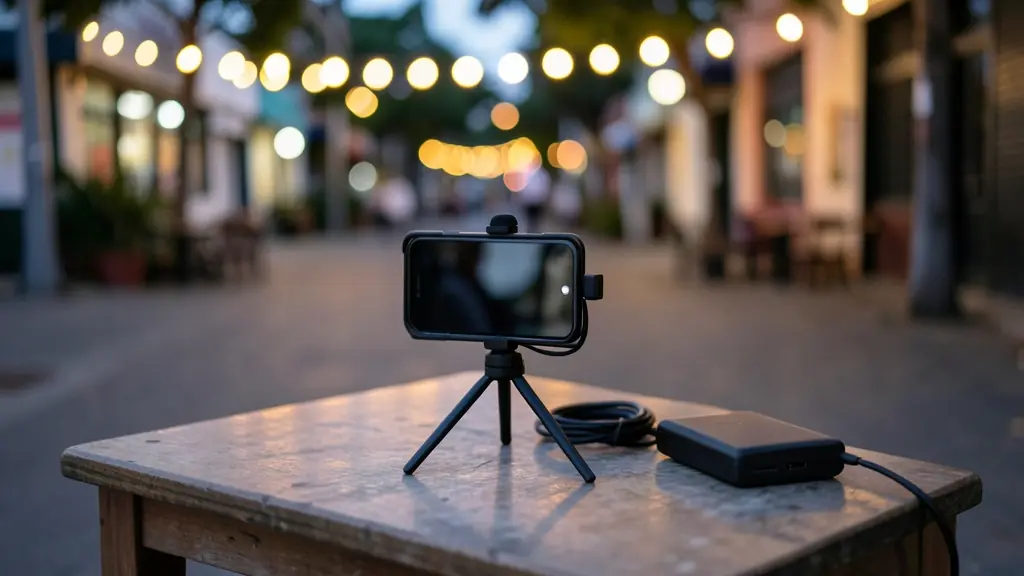
People ask which is the best phone for videography as if one model wins. It does not; several current phones film well, and the gap between them is smaller than the gap between a phone with a clip on mic and one without. So instead of a ranking, this page lists what to look for in the phone itself, then the small kit that turns it into a proper camera: a cage, a mic, a light, a gimbal, a tripod and power. It also says when a phone is not enough.
What to look for in the phone
- Stabilisation on the main lens, optical plus electronic, so a walking shot does not wobble.
- 4K at 25 fps, not only 30. South African lights run on 50 Hz mains, and 25 or 50 fps avoids the flicker you get under some indoor lights at 30.
- A log or flat profile and 10 bit recording, if you plan to grade.
- Storage: 4K eats space fast, so 256 GB is a sensible floor. Some phones record straight to an external drive over USB C.
- Manual control of exposure, focus and white balance, in the built in app or a pro video app.
The kit around it
A cage gives you a grip and cold shoe mounts. Put a clip on wireless mic on the speaker, because the phone's own mic hears the whole room; see wireless microphones. A small LED light that clips to the cage lifts faces in a dim restaurant. A phone gimbal smooths walking shots; see gimbal stabilisers. A mini tripod with a clamp handles talking heads, and a power bank keeps a long take alive, since 4K recording drains a phone in well under a day.
Settings that make the biggest difference
Lock exposure and focus on the subject before you press record, or the phone will keep hunting. Pick 25 fps for normal footage, 50 fps for slow motion played back at 25. Clean the lens with your shirt; a fingerprint smear softens more shots than any setting. Turn on flight mode so a call cannot end the take. Decide the shape first: vertical 9:16 for the short video apps, 16:9 for a big video platform. Pixel sizes for each shape are in the aspect ratio calculator.
When a phone is enough, and when it is not
A phone is enough for reels, vlogs, product clips, a talking head in window light and most social media video. It struggles in a dark reception hall, with a speaker forty metres away, and with a shallow background blur that looks real at the edges. For a wedding or a paid brand film, a proper video camera or a hired videographer earns its cost.
What to put in your request
- Give the phone's charging port type
- Say what you film: reels, vlogs, interviews
- Ask for a cage that fits your phone size
- Mention one speaker or two
- Say if you need a gimbal or only a tripod
Phone Videography Kit: who asks for them and why
- Couples and their families: a phone on a mini tripod catching the engagement dinner speeches from the side
- Families: matric dances, 21sts, memorials: a parent filming a matric dance arrival with a gimbal and a clip on light
- Companies, SMEs and agencies: a bakery owner shooting a week of reels with a cage, a light and a mic
- Event organisers, venues and conference planners: a social media assistant posting quick clips from the expo floor every hour
- YouTubers, podcasters and content creators: a vlogger's daily kit that fits in a jacket pocket and charges off one power bank
- Musicians, bands, DJs and choirs: behind the scenes clips on set while the main camera films the music video
- Estate agents, developers, lodges and venues: an agent filming a quick vertical walk through before the professional shoot
- Churches, schools, NGOs and sports clubs: a youth group filming its outreach day for the church's page on a budget